
- Step 1
First lets open the Remote Desktop Connection App – This will allow you to connect to your VPS.
- Step 2
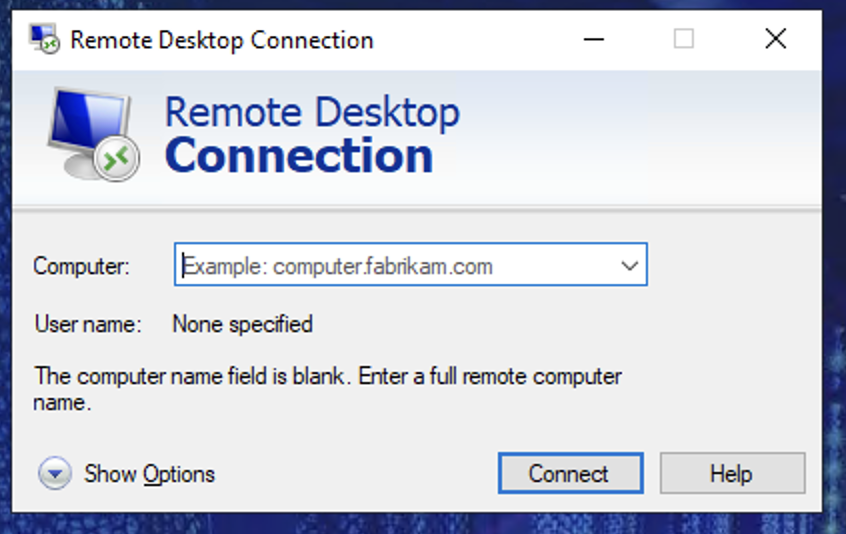
You will be greeted with the following window 👇
- Step 3
In the “Computer” Box please input the VPS IP Address followed by the port that you received on your order confirmation email and press connect.
- Step 4
You will then be greeted by the following window 👇
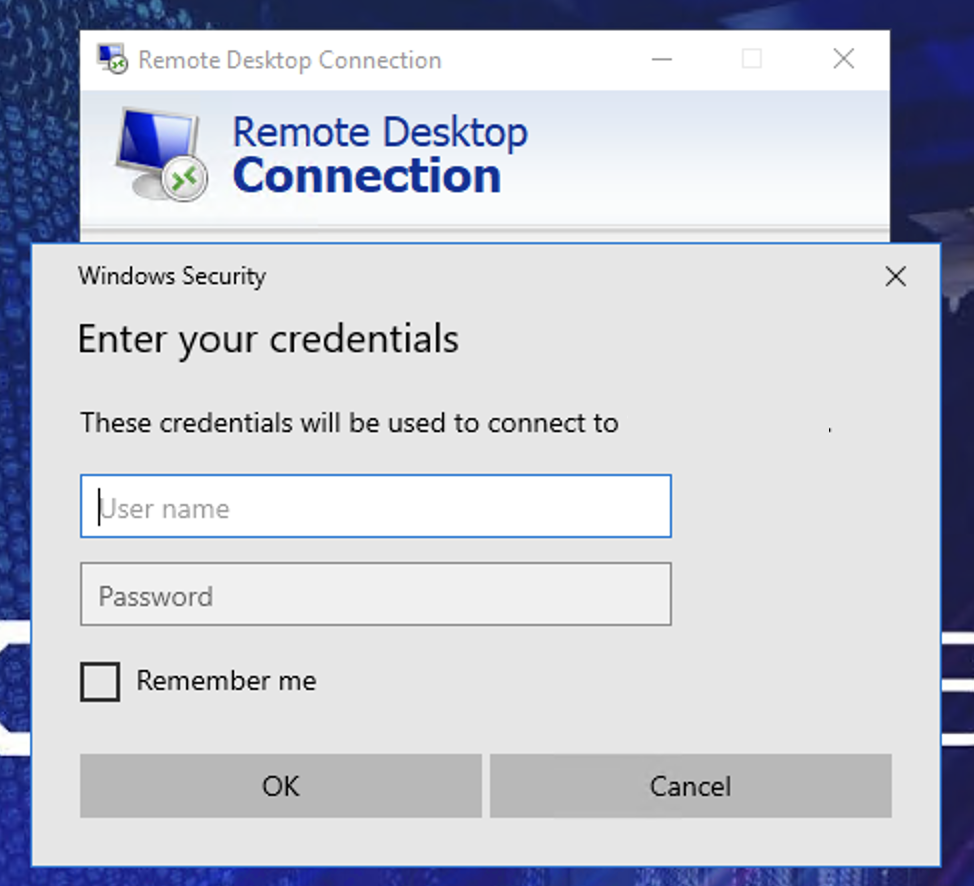
In the username field please enter “Administrator” and in the password field please enter the “VPS Root Password” that you chose when placing your order.
Then press OK
Connecting to VPS
Shows Windows VPS customers how to connect with Remote Desktop using the IP, port and administrator credentials from their order.