
- Step 1
Please head to your Client Portal -> Services -> My Services -> Select your VPS -> Scroll down until you see the VPS Panel
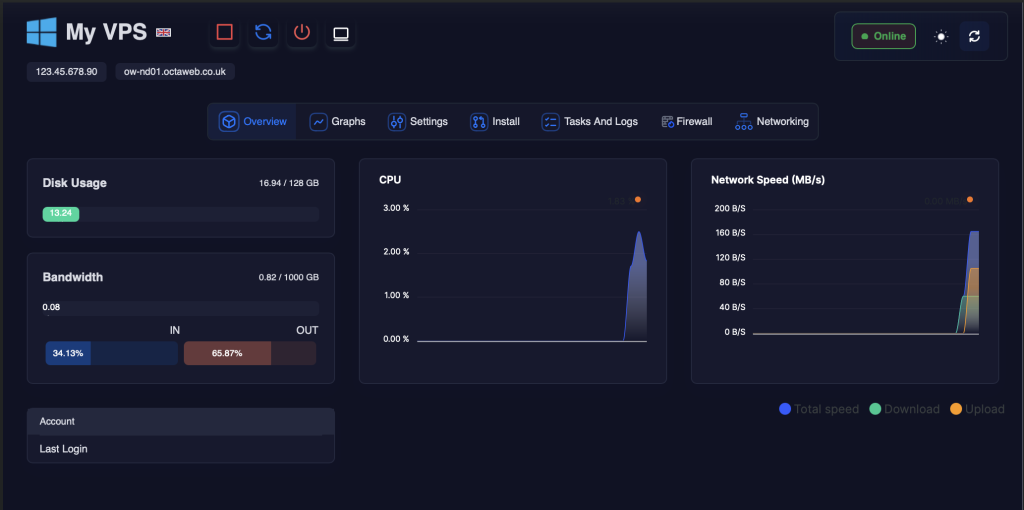
- Step 2
Click on “Install” followed by “Reinstall OS”
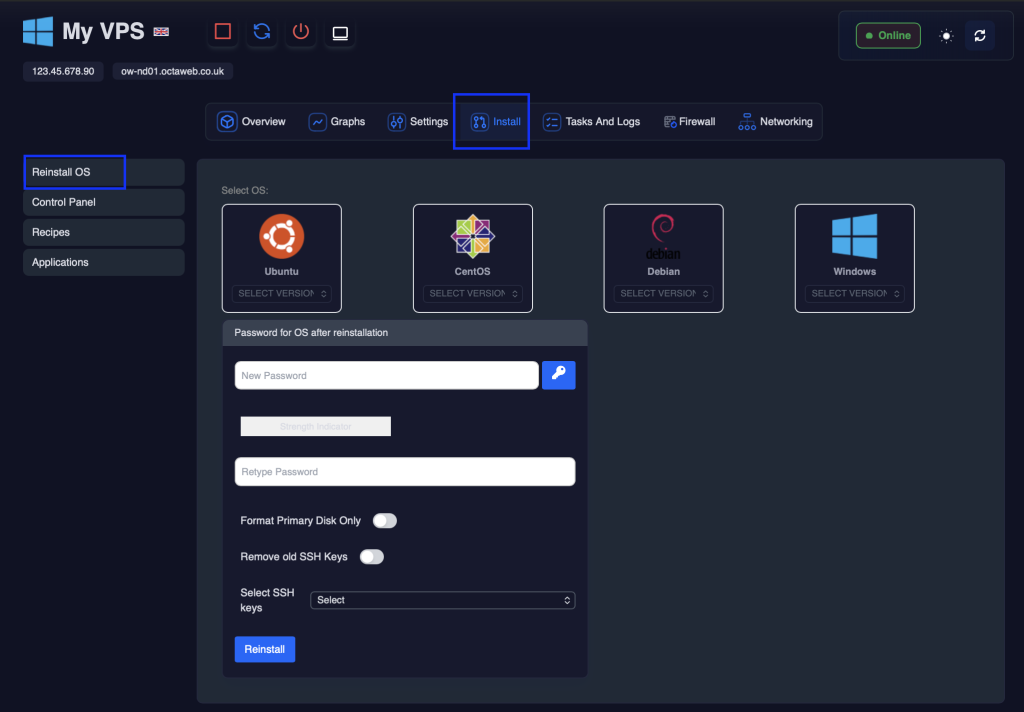
- Step 3
From this page select your operating system and input the VPS Password.
You can ignore the format primary disk option.
- Step 4
Click reinstall and then acknowledge the popup
- Step 5
You will then see a message advising of the next steps.
Reinstall VPS Operating System
Walks through reinstalling a VPS operating system from the client portal, including choosing an OS and allowing time for setup.